Draft: this guide shows the next app release (1.1.55) and may not match your phone until that version is in the App Store and Google Play.
Set up your account
Download the app, create your account, join your shop and choose how you get paid.
Create your account
1Download My Refer Buddy
Get the free app from the App Store (iPhone) or Google Play (Android) and open it. Tap Create Account.
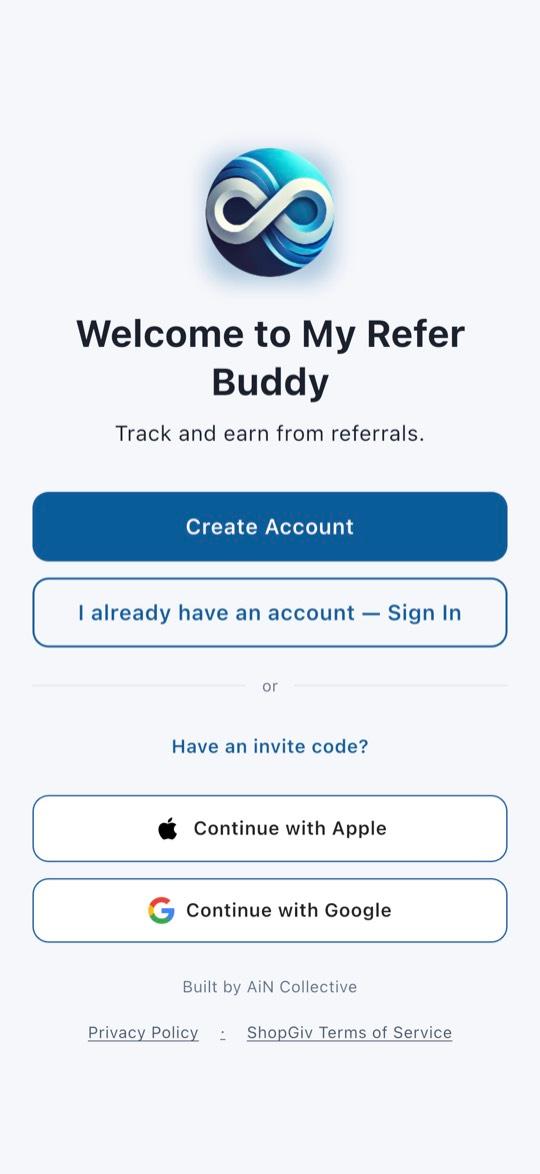
2Enter your details
Enter your name, your personal email, your cell number and a password. Add your cell so you can get paid and get updates. If you choose Apple or Google instead, you’ll add your cell number afterwards.
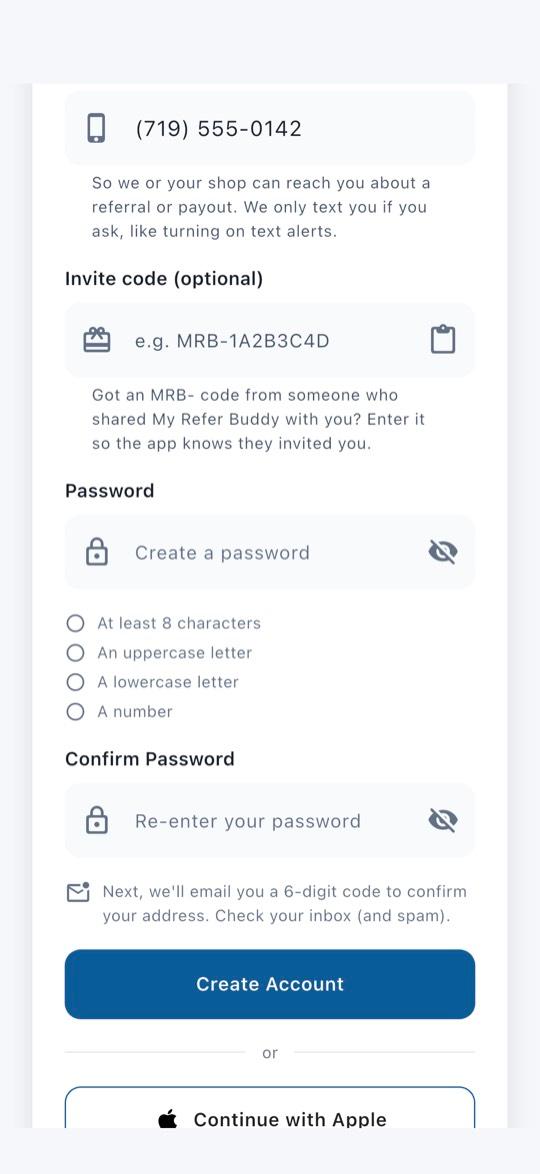
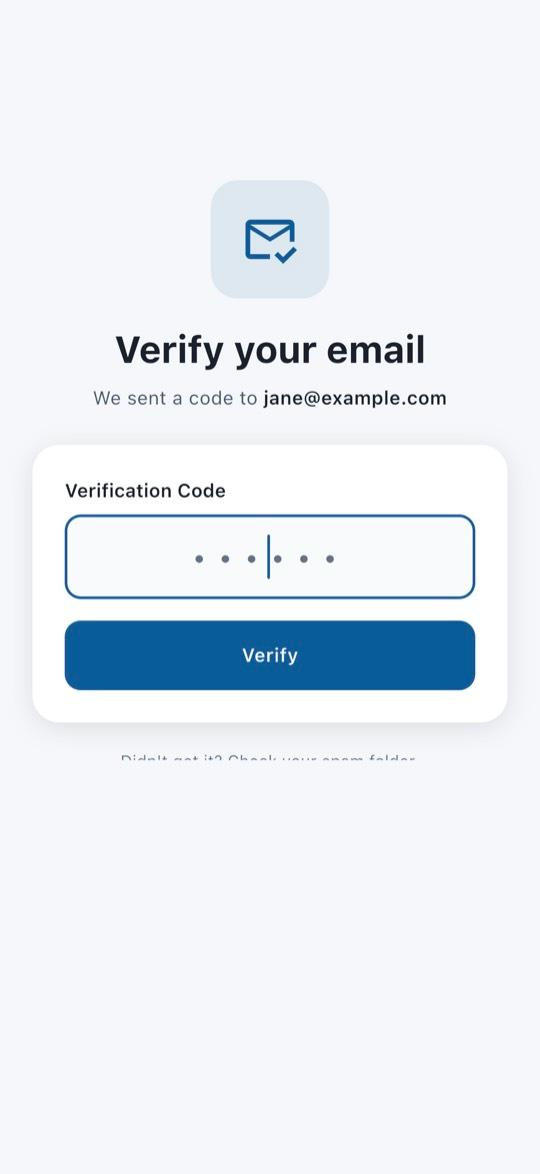
3Enter the code from your email
We email you a 6-digit code. Type it in and tap Verify. Check spam if you don’t see it. Apple or Google sign-in skips this step.
Join your shop
4Find your shop
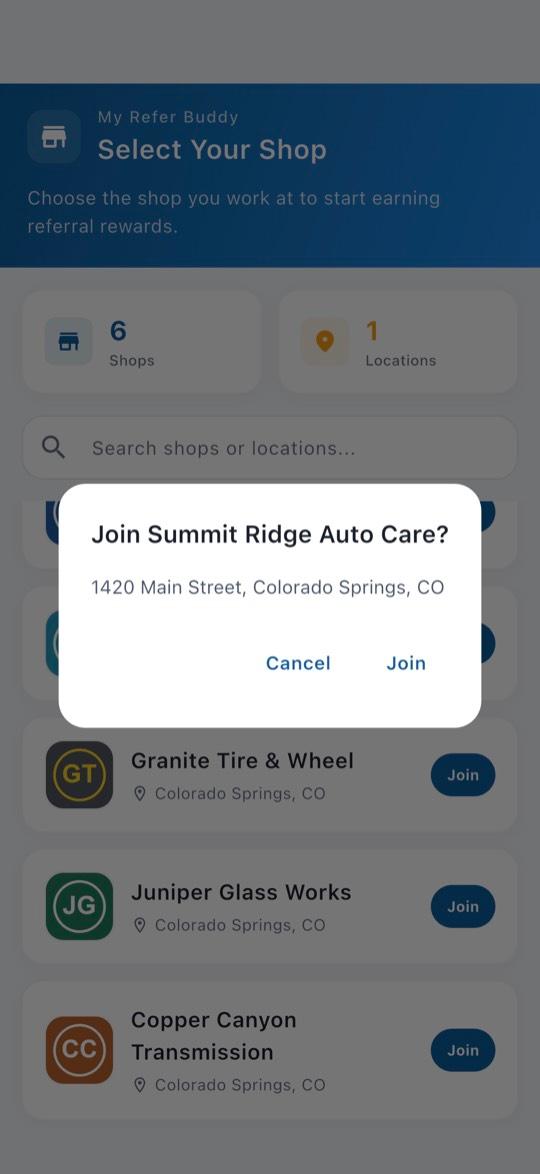
Type your shop’s name in the search box, then tap Join next to it.
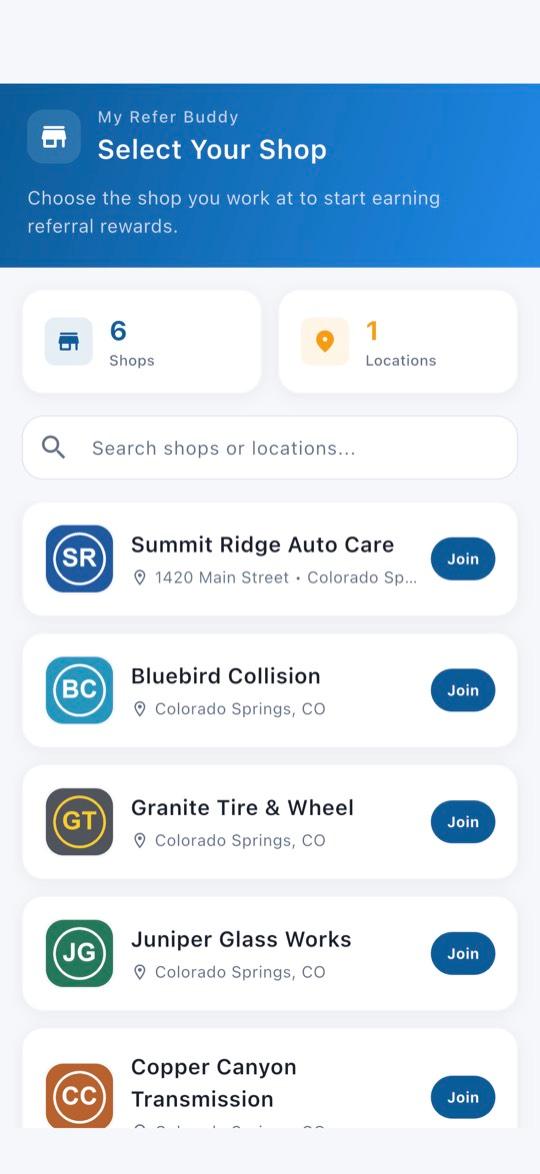
5Check the address and tap Join
Make sure it’s your shop and the right location. Some shops have a manager approve new members first; you get full access once they do.
Choose how you get paid
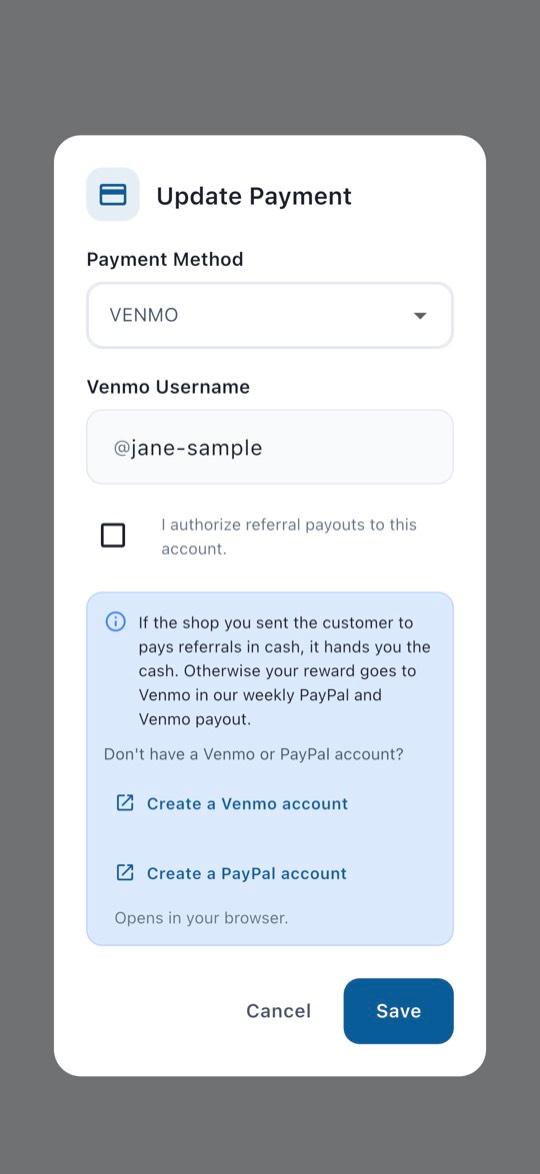
6Add your payout method
Pick how you’d like to be paid. For Venmo or PayPal, enter your Venmo username or PayPal email, tick the box to authorize payouts, then tap Save.
Turn on alerts
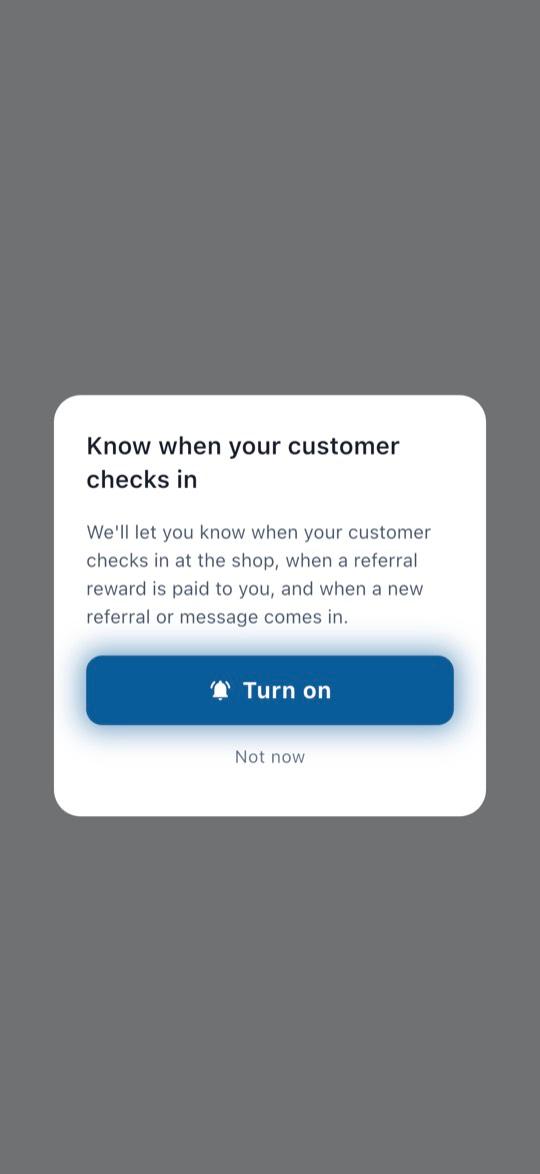
7Turn on alerts
When the app asks, tap Turn on, then Allow. That way you know when your customer checks in.
- Pictures show example details, not a real account.
Questions? Email info@AINcollective.com or call (719) 463-0050.